A reversing contact in a tight construction yard can become a four-hour administrative exercise before the vehicle is even back on the road. The driver calls the supervisor, photos are sent by mobile, paper forms are completed later, and someone tries to match the account against GPS data, camera footage and maintenance records. When fleets automate fleet incident reporting, that fragmented process becomes a controlled workflow built around the event itself.
For Australian transport, construction, waste, concrete and government fleets, the objective is not simply to submit reports faster. It is to preserve credible evidence, act on safety risks while they are still relevant, meet internal and regulatory obligations, and give managers a clear record of what occurred. The right system reduces repeat handling without removing the judgement required to investigate an incident fairly.
Why manual incident reporting breaks down
Manual reporting usually fails at the moment evidence is most valuable. A driver may be focused on securing the scene, speaking with a customer or arranging recovery. Details are captured from memory at the end of a long shift, photographs sit in personal message threads, and the incident report is entered into a separate safety system days later.
That delay creates operational risk. Vehicle location, speed, direction of travel, harsh braking, idling and driver camera footage may all be available, but only if staff can find and correlate them. The compliance team then spends time reconciling timestamps, checking which driver was allocated to the vehicle and asking for missing information. For a heavy vehicle operation, that can also complicate fatigue, maintenance and chain of responsibility reviews.
Paper-based processes have a place as a contingency when coverage is unavailable or an incident scene is unsafe. They should not be the primary record where a connected fleet platform can capture the same facts accurately and consistently.
Automate fleet incident reporting around verified events
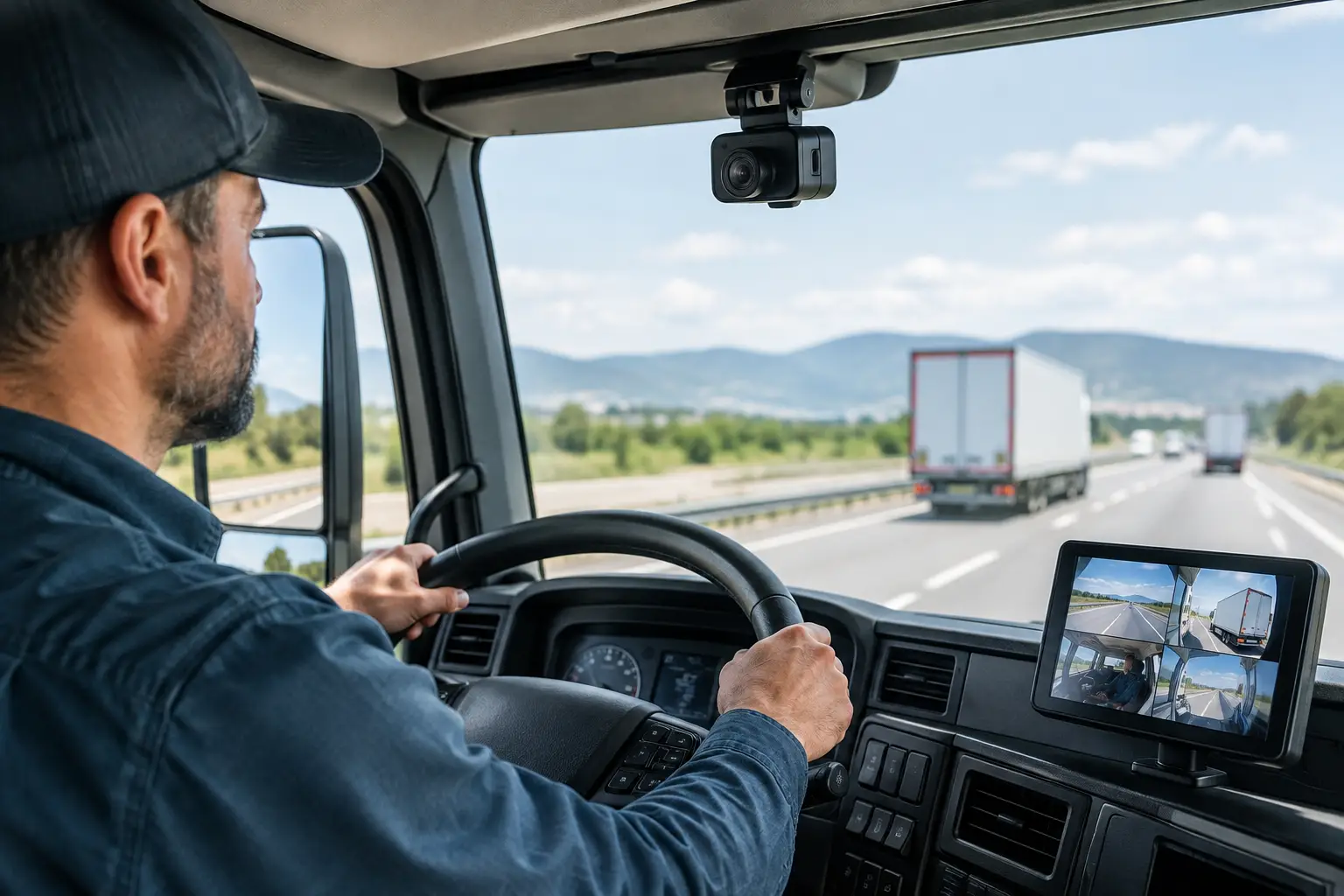
Effective automation starts with event detection and a clear reporting workflow. A telematics platform can identify a potential event from vehicle data, such as a collision-level impact, severe braking, sudden acceleration, speeding, rollover risk or an activated duress input. AI driver cameras can add another layer by detecting relevant safety events and preserving video before and after the trigger.
A trigger is not automatically an incident. Road surfaces, potholes, loading activity and emergency manoeuvres can all generate high-force readings. The system should therefore create a potential incident case, retain the relevant evidence and notify the right person for review. This protects drivers from assumptions while ensuring a serious event is not overlooked.
Capture the facts once
When a report is opened, the platform should pre-populate the information already known: vehicle and asset identifiers, trailer allocation, driver, time, location, route position and relevant event data. That removes repetitive data entry and gives the driver or supervisor a structured form for the information technology cannot determine, such as third-party details, injuries, property damage, site conditions and immediate actions taken.
Photographs, documents and driver statements should attach to the same case rather than being stored across email inboxes, shared drives and mobile devices. For a concrete fleet, the record may also need delivery or pour details. For waste and council operations, it may require site, bin-lift or public interaction information. The fields must reflect the actual work, not a generic car accident form.
Preserve context, not just a notification
An automated alert with no supporting context shifts work rather than removing it. A useful incident record brings together the evidence a reviewer needs to assess what happened: a mapped position, GPS trail, vehicle speed, event severity, camera clips where fitted, and relevant driver or compliance status.
Retention settings matter. Video and high-resolution files consume storage, while safety and legal obligations may require records to be available for longer than standard operational data. Set evidence retention periods by incident severity and category, with controlled access for authorised managers, safety teams and investigators.
Route each case to an accountable owner
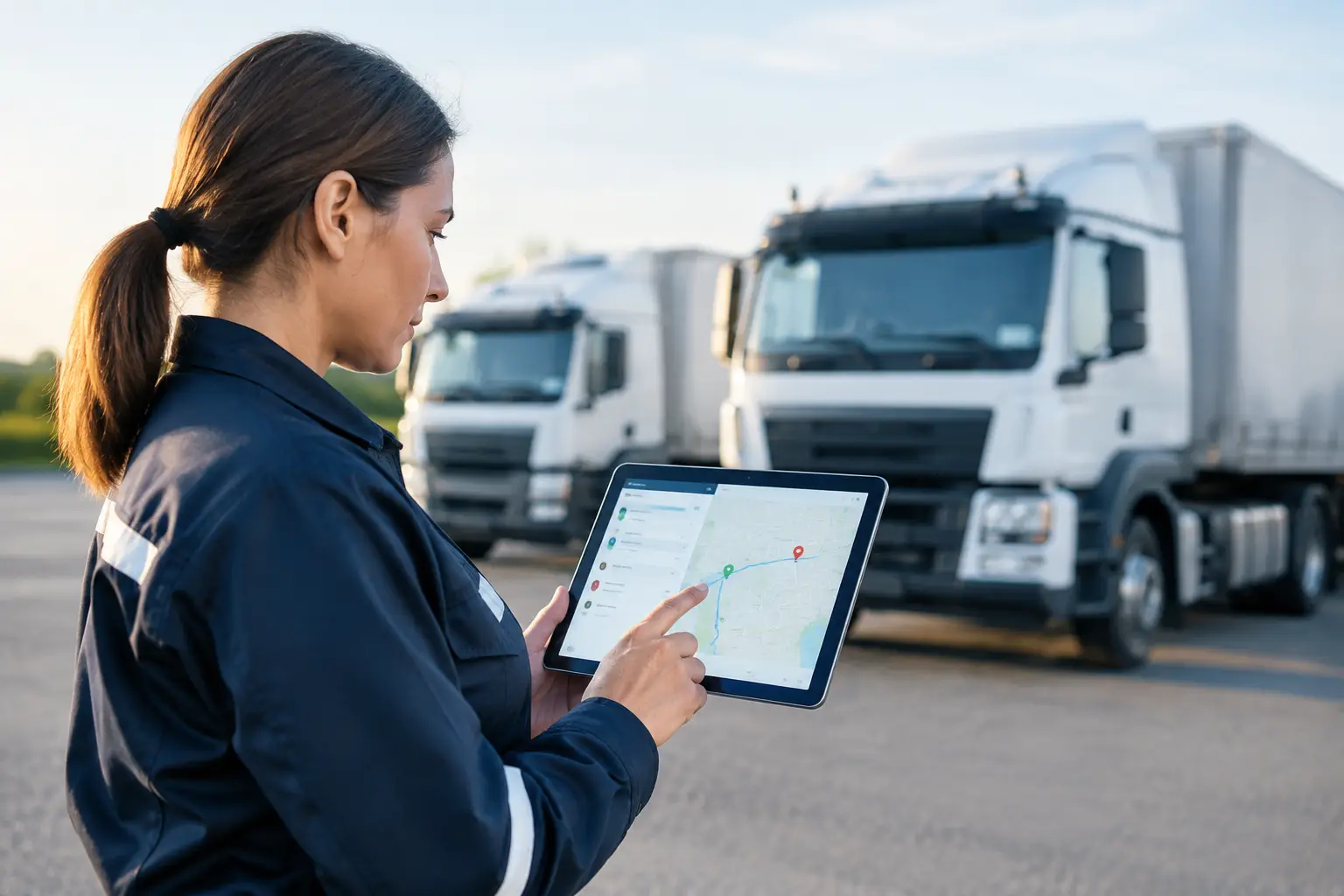
The next step is workflow. A minor depot contact may go to a local supervisor, while an injury, serious collision, alleged fatigue breach or dangerous driving event requires escalation to safety, operations and senior management. Automated routing should use practical rules based on event type, severity, vehicle class, region or contract.
Each case needs a clear owner, due date and status. A report that remains open because several people assumed someone else was handling it is not a controlled process. Escalations for overdue reviews, missing statements or outstanding corrective actions keep the matter visible without relying on spreadsheet reminders.
Build a workflow drivers will actually use
The best workflow is short at the roadside and detailed during review. Asking a driver to complete twenty fields immediately after a collision is not realistic, particularly if emergency services, customers or traffic control are involved. Start with safety-critical questions: Is anyone injured? Is the vehicle safe to operate? Is there a third party? Has the supervisor been notified?
Further information can be completed later through a mobile-friendly form or by the assigned investigator. This approach improves completion rates and avoids encouraging rushed, unreliable accounts. It also lets the business distinguish between an incident report, a near-miss report and a vehicle defect report, even where the initial event may overlap.
Training remains essential. Drivers need to understand what triggers a report, how camera and telematics evidence is used, and who can access it. Clear policy is especially important where driver-facing cameras are deployed. The purpose should be safety, factual review and coaching, not constant surveillance or automatic blame.
Connect incident reporting to compliance and maintenance
Incident reporting delivers greater value when it connects with the operational systems that follow. If an incident identifies a damaged tyre, cracked bodywork, hydraulic leak or brake concern, the vehicle should be directed into a maintenance defect workflow before it is allocated to another job. A serious event may also require a fit-for-duty check, fatigue review or vehicle inspection before return to service.
For heavy vehicle operators, records may need to support obligations under the HVNL and the business's own fatigue, mass and maintenance controls. The exact documentation depends on the event, the vehicle, the state or territory and the operator's accreditation or contractual arrangements. Automation cannot decide legal liability, but it can show that the business identified the event, preserved records, assigned actions and followed them through.
This is where an integrated provider matters. Netcorp combines telematics, AI camera technology, vehicle hardware and compliance workflows within an Australian-supported fleet environment, reducing the need for teams to manually join data from disconnected systems.
Measure whether the process is improving safety
A growing number of reported events does not necessarily indicate a less safe fleet. In the first months after introducing easier reporting and camera-based event detection, reports often rise because near misses and low-level contacts are no longer hidden. That can be a sign of better visibility.
Review trends by depot, route, vehicle type, task, time of day and event category. Look beyond incident counts to reporting timeliness, review completion, repeat events, corrective action closure and preventable vehicle downtime. If reversing contacts are concentrated at particular sites, the response may be changed traffic management, improved lighting, a spotter requirement or revised delivery instructions, not simply another driver reminder.
The same discipline applies to driver coaching. Telematics and video provide a factual basis for a conversation, but one event rarely tells the whole story. Managers should review patterns, road conditions and operational pressures before deciding on training or corrective action.
Choose technology that supports the whole operation
Before implementing an automated process, map the current incident journey from first notification through to close-out. Identify who needs to know, which evidence is required, what can be captured automatically and which decisions require human approval. Then test the workflow with drivers, supervisors, safety staff and maintenance teams in real operating conditions.
Prioritise platforms that can scale across trucks, trailers, plant, utes and other mobile assets, while maintaining reliable audit trails and role-based access. Australian-based support, secure data practices and hardware designed for demanding vehicle environments are practical considerations, not procurement extras. A low-cost system can become expensive if staff must build manual workarounds every time an event crosses between operations, safety and maintenance.
The result should be a process that gives a driver confidence to report promptly and gives management the evidence to respond properly. When an incident occurs, the fleet already has enough to manage. Reporting should create clarity, accountability and a safer next shift.