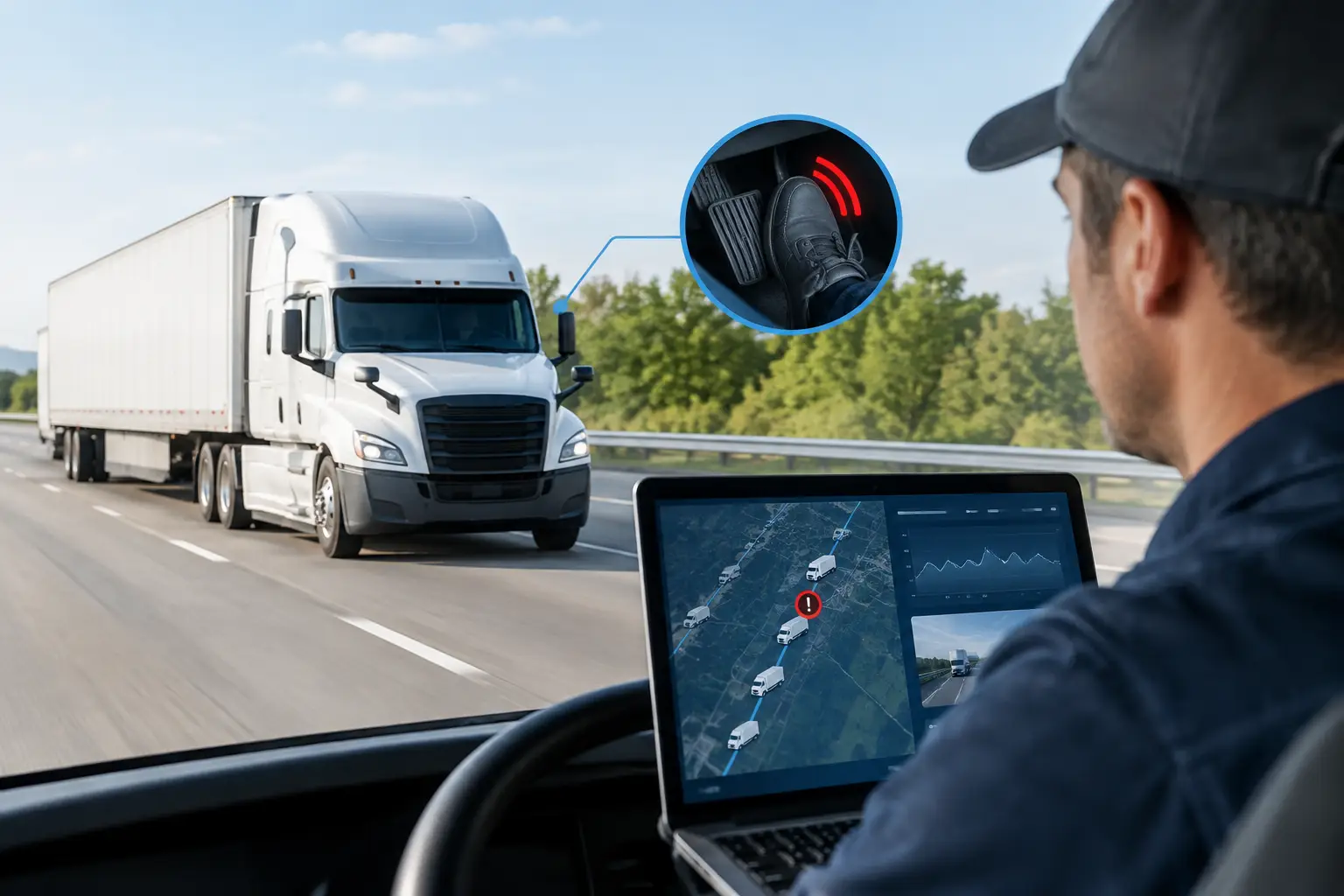

A compromised fleet platform can stop more than a screen in the transport office. It can expose vehicle locations, disrupt dispatch, lock staff out of fatigue and maintenance records, or give an unauthorised person access to connected equipment. This fleet cybersecurity guide focuses on the controls that protect operational continuity without making life harder for drivers, schedulers or workshop teams.
For Australian fleet operators, the risk sits at the intersection of vehicles, people and systems. Telematics devices, AI cameras, electronic work diaries, mobile apps, in-cab tablets, workshop software and cloud platforms all exchange data. Each connection has value, but each must be owned, configured and monitored properly.
Why fleet cybersecurity is an operational issue
Cybersecurity is often treated as an IT responsibility until an incident affects a job. In fleet operations, the consequences are immediate: trucks cannot be allocated confidently, a concrete pour can lose visibility, a waste run may be disrupted, or compliance evidence may be unavailable when it is needed.
The most valuable information is not always a customer database. Live locations, route history, driver identities, site access details, pre-start records, mass data and fatigue records can all be commercially sensitive. If that information is altered, deleted or unavailable, an operator may face safety exposure, missed deliveries, recovery costs and difficult questions during an audit.
There is also a practical distinction between a data breach and a fleet outage. A stolen password may initially appear minor, but if it provides access to an administrator account, an attacker can create users, change alerts, export reports or interrupt platform access. The objective is therefore not simply to keep information private. It is to preserve the accuracy and availability of the systems that keep the fleet moving.
Fleet cybersecurity guide: map what is connected
Start with an accurate asset and system register. Many fleets know their vehicle numbers but do not maintain a complete view of the technology attached to each asset or the accounts that can access it. That gap creates blind spots, particularly after acquisitions, contractor changes, vehicle replacements or software upgrades.
Record each telematics unit, camera, tablet, mobile device, trailer tracker, plant tracker and in-vehicle display, along with its serial number, vehicle or asset assignment, SIM or connectivity arrangement, firmware status and support owner. Include the supporting systems: fleet platform, compliance portal, payroll integration, maintenance software, identity provider, email service and file storage.
This exercise should also identify data flows. For example, consider whether driver hours move from an EWD workflow into reporting, whether GPS data is shared with customers, and whether maintenance alerts create work orders automatically. Integrations reduce manual effort, but they should be documented and reviewed whenever either system changes.
A useful test is simple: if a device, account or integration stopped working tomorrow, who would know, who could fix it, and what operational process would be affected? If the answer is unclear, it needs an owner.
Control access before it becomes an incident
Most fleet cyber incidents do not begin with a dramatic technical attack. They begin with a reused password, a former employee’s account, a shared workshop login or a convincing email that asks a staff member to sign in.
Every person should have their own account. Shared credentials make it impossible to verify who changed a setting, viewed a report or approved an action. They also make rapid offboarding difficult when a driver, contractor, administrator or supplier leaves the business.
Use multi-factor authentication for fleet platforms, email, remote IT tools and any account that can administer users or export data. A password alone is no longer an adequate control, especially for users with access to live tracking and compliance records. Where available, integrate systems with a central identity service so account access can be removed consistently rather than one platform at a time.
Apply access by role. A dispatcher may need current vehicle locations and job status, while a workshop supervisor needs maintenance information and a safety manager needs access to incident footage and behaviour reports. Neither necessarily needs full administrative rights. Restricting privileges reduces accidental changes and limits the impact of a compromised account.
Review access at least quarterly and whenever roles change. Pay particular attention to dormant accounts, temporary contractor access, generic admin users and third-party support accounts. External support is often necessary, but it should be authorised, traceable and limited to the systems required.
Secure devices in vehicles and at depots
Fleet technology works in demanding conditions. Devices operate across long shifts, in dust, heat, vibration and areas with variable mobile coverage. Cybersecurity controls must account for that reality rather than assume every asset is in a locked office.
Choose hardware designed for vehicle and field use, with controlled firmware releases and a defined support path. Unsupported units may continue reporting location data, but they can become a long-term security and reliability risk when vulnerabilities are found. Before deploying new devices, establish who will apply updates, how deployment will be tested and how a failed update can be recovered.
In-cab tablets and mobiles require equal attention. Set screen locks, encrypt devices, enable remote management and ensure business data can be removed if a device is lost or a worker leaves. Avoid using personal devices for sensitive compliance or administrative functions unless a clear bring-your-own-device policy and mobile management controls are in place.
At depots, separate operational technology from guest Wi-Fi and general office networks where practical. A visitor connecting to guest Wi-Fi should not have a path to workshop computers, camera systems, telematics configuration tools or file servers. Network segmentation does add planning and support overhead, but it substantially reduces the chance that one compromised device affects every part of the operation.
Protect compliance records and evidence
Heavy-vehicle operators carry specific obligations around fatigue, maintenance, mass and safety management. Digital records improve audit readiness only when they remain accurate, available and recoverable.
Set retention requirements for the records your operation must keep, then confirm that platform settings, backups and exports support those requirements. Backups should be isolated from the main environment where possible. A backup that an attacker can delete using the same administrator account is not a dependable recovery option.
Test restoration, not just backup completion. Select a sample of critical records such as pre-starts, defect reports, driver-hour data or incident footage, and confirm they can be retrieved within a timeframe that supports the business. The acceptable recovery time for a monthly archive may be different from the time required to restore dispatch visibility during a morning allocation window.
Maintain audit trails for changes to user permissions, compliance settings and key records. In a dispute or regulatory review, a clear record of who changed what and when can be as valuable as the original data.
Prepare people to recognise the real threats
Drivers, allocators, administrators and managers are all part of the security perimeter. Training should be short, relevant and repeated, not a once-a-year presentation full of generic examples.
Show staff what a realistic phishing message looks like: an overdue toll notice, a fake supplier invoice, an apparent password-reset request or a request to update bank details. Make reporting easy and encourage early escalation. A staff member who reports a suspicious email before clicking has prevented an incident, not created a problem.
Clear procedures matter when pressure is high. Staff should know how to report a lost tablet, suspected account compromise, unusual platform activity or a call from someone requesting access. Provide one internal contact path and ensure it is monitored outside standard office hours where the fleet operates around the clock.
Build an incident response plan around fleet continuity
A cyber incident plan should answer operational questions, not just technical ones. Who decides whether accounts are disabled? How will dispatch continue if the fleet platform is unavailable? Where are emergency contact lists held if email is down? Who communicates with drivers, customers, insurers and regulators if required?
Define a small incident team that includes operations, IT, senior management and compliance or safety leadership. Document escalation contacts for your technology providers and confirm their support arrangements before an incident occurs. For a fleet operating overnight or across multiple states, response coverage outside business hours can be decisive.
Run a tabletop exercise based on a realistic scenario, such as a compromised dispatcher account or unavailable telematics portal. Walk through the first four hours: contain access, preserve evidence, maintain vehicle allocation, communicate with drivers and restore priority functions. The exercise will reveal whether manual processes, printed contacts and delegated authority are genuinely ready.
Select partners that can support the whole environment
Fleet technology is strongest when hardware, platform configuration, implementation and support are treated as one operating environment. Fragmented ownership can leave operators caught between a hardware supplier, a software provider, an installer and an IT contractor when an issue crosses boundaries.
Ask prospective providers how they manage identity controls, device updates, incident escalation, data retention and audit logs. Request clarity on where support is delivered, who owns the hardware lifecycle and how integrations are secured. Recognised information-security practices, including ISO 27001 certification, provide useful assurance, but they do not remove the need for clear operational accountability.
Netcorp’s Australian-designed fleet technology and 24/7/365 service desk model are built around this end-to-end responsibility, from connected assets to the systems that support them.
Cybersecurity works best when it is treated like any other fleet control: defined, checked, tested and improved. Start with the accounts, devices and records that would hurt most to lose. Then give each one an owner, a recovery path and a regular review date. That is how cyber controls become part of dependable fleet operations rather than another policy left in a folder.